SudokuShapes
Introduction
SudokuShapes from jpsoftware.co.uk is a simple Sudoku-like game that uses shapes instead of numbers.
It was designed to be simple to play, with games increasing in difficulty.
SudokuShapes is available from

Instructions
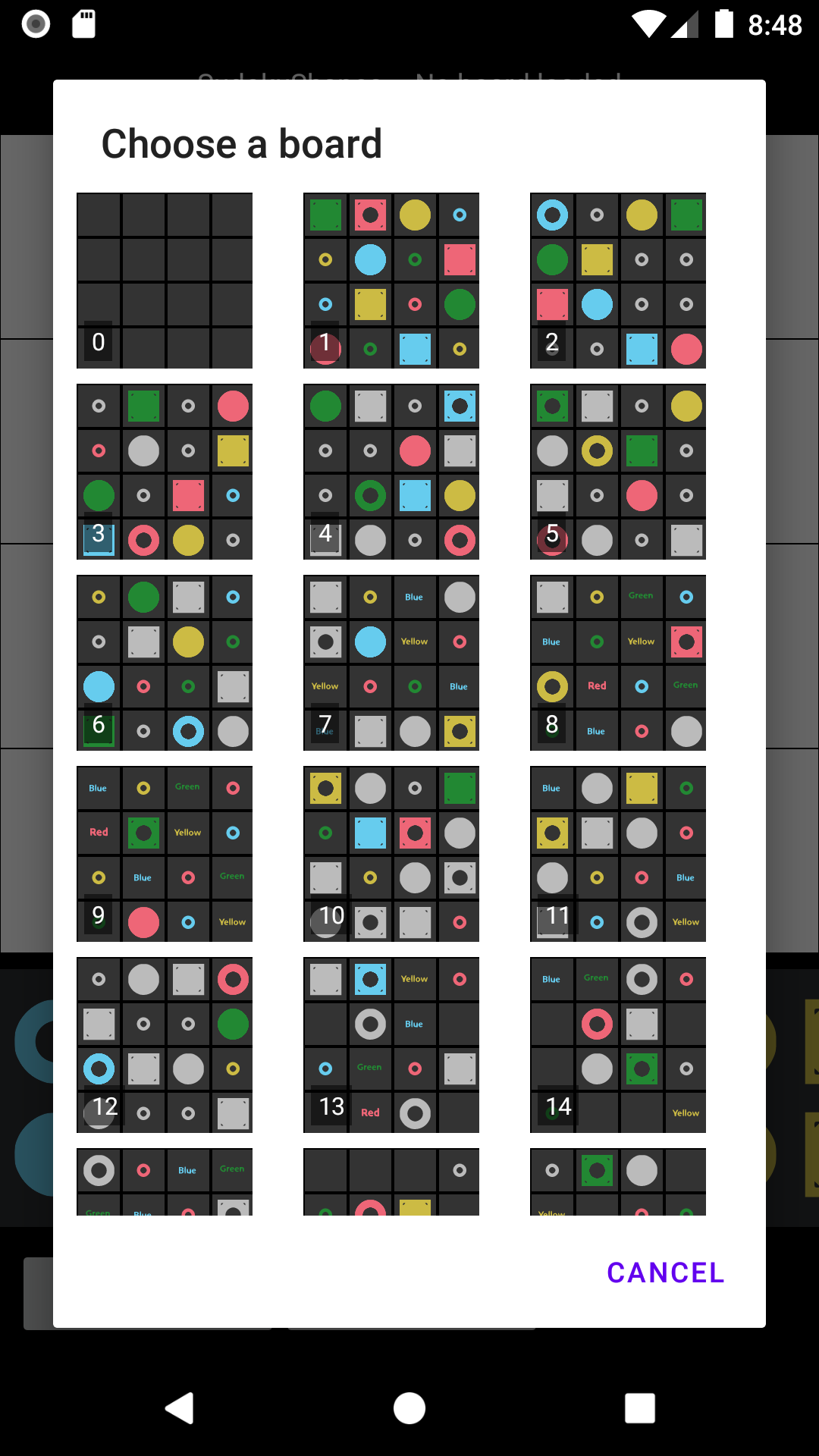
Use the New Game button to load a game board.
Higher numbered boards are more challenging.
Drag tiles from the tray to their correct position on the board.
Long-press a placed tile to drag it to another cell.
Drag a tile off the board (onto the tray or anywhere outside) to remove it.
No row, column, or diagonal can have 2 tiles of the same shape or color.
When you've placed all the tiles, use the Check Board button to verify that your solution is correct.
If you get in a mess, you can reset a game by tapping the reset button ⮌.
You'll get a few seconds to
undo the restore if you reset by mistake.
The tray of tiles is scrollable. In portrait it's 2 rows; in landscape it's 2 columns.
Depending on your
screen size you may have to scroll to see all the tiles.
Buttons
New Game Open a menu where you can choose a new game board.
Check Board Check that all the tiles have been correctly placed on the board.
⮌ Reset the current board to its initial state.
? Display these instructions.
Hints
Hint tiles give you a clue about the correct tiles (e.g. a pierced square or a solid circle).
Grey hints
do not give any indication of the colour of the tile.
Use hints to work out which tiles you need before placing them.
Some tiles have a grey background. These have been placed for you and can't be changed or moved.
Hint tiles
 This tile is a circle with a hole, you have to work out the colour.
 This tile is a square with a hole, you have to work out the colour.
 This tile is a solid circle, you have to work out the colour.
 This tile is a solid square, once again the colour is not indicated.
 The tile has a hole in the middle, but could be a circle or a square.
 The tile is this colour (green in this case), no hint is given as to the shape.
 The tile is red and has a hole in it – it could be a circle or a square.